Let’s be honest: a lot of business software has taken a strange turn. You sign up. You explore the app. You start to see how it could really help your team…and that’s when the trial ends and the paywall drops. With Nutcache, we wanted to do things differently.
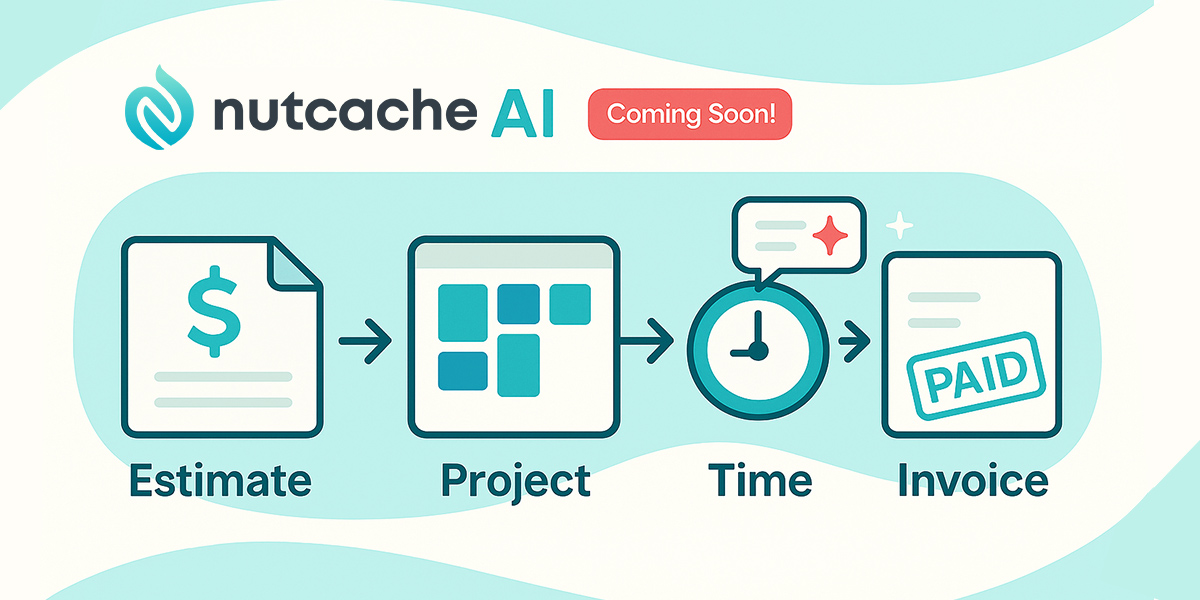
From the beginning, our goal has been simple: help you follow a project from the very first estimate to the final invoice, with time, expenses and budgets under control. And we know a large part of our user base—freelancers, small studios, micro-teams—doesn’t always have the volume or the budget for a heavy monthly subscription.
That’s why we will soon be introducing the new Nutcache Free plan. And it’s also why we’re investing in AI capabilities with a very practical purpose: removing friction, not adding noise.
Nutcache Free plan: a real free plan for real work
Nutcache Free will not be a disguised demo or a 14-day countdown. It will be a permanent free plan, designed for:
- Freelancers and consultants
- Two-person or very small teams
- Small businesses that want proper project and billing management without a long list of tools and subscriptions
With the Free plan, you will be able to:
- Follow your projects from estimate to invoice in a single app
- Log your time entries to see where your effort really goes
- Track project expenses so you don’t forget to bill them
- Create and send estimates and invoices to your clients
- Keep a focused list of clients and projects that’s enough for a small operation
In other words, if you’re working solo or in a small team, you will run your day-to-day client work on Nutcache Free, without a credit card and without commitment.
And when your business grows to a point where the Free plan will no longer enough, you can move to a paid plan and keep everything: your projects, time entries, expenses, clients, invoices—the whole history.
Who is the Nutcache Free plan really for?
Let’s be transparent: if you have a large team, dozens of active projects and a constant stream of time entries every month, the Free plan won’t be enough for you. That’s expected.
But it will be exactly right if:
- You’re a solo consultant or freelancer with a handful of active clients
- You’re a small shop (two or three people) and still invoicing with Word/Excel
- You’re launching a new service or side business and want to keep fixed costs low while you test the market
- You tried Nutcache in the past and liked the “estimate → project → time → invoice” flow, but weren’t ready for a subscription at that time
For these use cases, Nutcache Free will not be a toy. It will be a usable, reliable workspace with limits designed for small structures rather than for trial-only usage.

Why bring AI into Nutcache (and what we don’t want to do)
“AI” is everywhere right now. Sometimes in thoughtful ways. Sometimes just stuck onto features that didn’t really need it. In Nutcache, we’re not trying to reinvent the basics.
You don’t need AI to create a project or record an expense. Where AI can genuinely help is:
- making project setup faster and less painful
- improving the clarity of what’s written inside your workspace
- helping you read your own data without becoming a full-time analyst
For us, AI in Nutcache should feel like help that’s right there when you need it, not a black box that decides everything for you.
What AI will bring to Nutcache
We’re not promising a single giant “AI release”. Instead, we’re working on a series of capabilities that fit naturally into the way you already use Nutcache. Here’s what we’re focusing on.
1. Get help right at your fingertip
The idea is simple: no more staring at a blank page when you just want to move forward.
In practice, this means you’ll be able to get help directly where you work:
- setting up a project and wondering what to include? Nutcache can suggest a structure
- not sure how to phrase a step or a task? You’ll be able to generate a first draft and adjust it
- looking at a screen full of numbers? The assistant can explain in plain language what you’re seeing
No need to open another tool or window. The assistance lives inside your Nutcache workflow.
2. Improve writing (project or task descriptions)
A lot of friction in projects comes from unclear descriptions: vague project summaries, cryptic task names, comments that leave room for interpretation. We want to use AI to help you:
- rewrite project or task descriptions to make them clearer and more structured
- adapt the tone (more formal for a client summary, more concise for your internal team)
- generate short status updates you can paste into an email or send to a stakeholder.
You always stay in control of the final message. AI simply gives you a faster starting point so you can spend less time formatting and more time deciding.
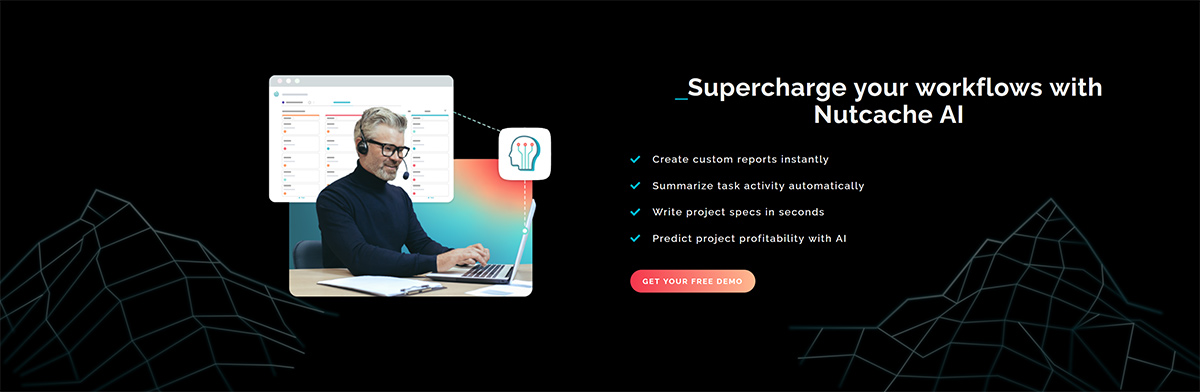
3. Create custom reports
Nutcache already offers useful reports, but every business has its own questions:
- “Which types of projects are actually profitable for us?”
- “How much time do we spend before we send the first invoice?”
- “Which clients generate the most unbilled time?”
With AI, our goal is to let you ask those questions in natural language and generate custom reports based on your real data. You shouldn’t need to be a BI specialist to understand where your time and money are going.
4. Summarize task activity
Some tasks—and even more so, some projects—build up a long history: time logs, comments, file attachments, changes in status.
When you want to do a quick check-in, scrolling through everything isn’t ideal.
We’re working toward the ability for Nutcache to:
- summarize the activity of a task (time entries, comments, status changes) into a few clear lines
- produce a snapshot of a project: what’s been done, what’s left, where the risks are
- give you a ready-to-share recap for your team or your client
Not to replace real project reviews, but to give you a solid base without having to re-read the entire history.
5. Write project specifications
There’s often a gap between a simple quote and a detailed specification document. Many teams end up working from half-written specs, and that usually leads to misunderstandings later.
We want to help you:
- start from a brief, a few notes or a high-level description
- and turn that into a first version of structured project specifications: objectives, scope, deliverables, assumptions, exclusions
You can then refine, correct and complete the document. The aim is to turn your ideas into a clear structure faster, and reduce ambiguity from day one.
6. Predict project profitability
For small teams, this is often the key question:
“Is this project really going to be worth it for us?”
Based on the history of your past projects (estimated vs actual time, expenses and revenue), AI can help you:
- estimate the likely profitability of a new project
- identify project types that consistently go over budget
- highlight phases or tasks that tend to overrun compared to estimates
The goal isn’t to make the decision for you, but to give you better visibility before you say yes—or before you set your price.
How Free and AI fit together
You could look at the Free plan and AI as two separate initiatives. In reality, they’re two sides of the same idea: make professional project management more accessible, without making it more complicated.
- The Free plan lowers the barrier to entry: you can manage projects seriously even with a tight budget.
- The AI capabilities lower internal friction: less manual admin work, clearer insight into your projects.
You shouldn’t need a big budget to run your projects properly. And you shouldn’t need a heavy manual to benefit from smarter features.
What’s next
Nutcache Free and our first wave of AI helpers aren’t live yet—but they’re getting close. Over the coming releases, you’ll start to see two things appear side by side:
-
a Nutcache Free plan that makes it easier for freelancers and small teams to run real projects without a heavy software bill
-
AI features that quietly help with writing, reporting and forecasting, instead of getting in your way
We’ll share more details, examples and timelines as we move forward. For now, think of this article as a preview of the direction we’re taking: Nutcache as a place where your projects are easier to follow, easier to explain—and, ultimately, more profitable. Stay tuned!